
Light Production Learning Path
I want to build the whole show, not just one part of it
You work with light at events and want lights, lasers and media to run as one show. First the idea has to become a concept with budget, safety and roles on site, then a real-time system has to tie it all together. Both look like separate professions.
- Structure:
- 4 levels, 35 modules, 104 lessons
- Video:
- 64 h in total
- Pace:
- Weekly · all on request
- Access:
- 2 years
- Language:
- English
- Level:
- Beginner to intermediate
About the course
Aboutthecourse
- 01
the starting point
This path is for you if you design or run lighting and media for live events and want to build the show systems yourself, not only operate them. It is built around the live show, where lights, LED screens, lasers and video are controlled as one system, so it starts with the TouchDesigner foundations and then keeps to the two levels of Real Lights.
- 02
what you build
In Extreme I you learn the node-based way of working, turn sound into control signals and build a movie player; in Extreme II you add procedural geometry, instancing, real-time rendering and live input. With that base, in Real Lights Level 1: Pre-production you take a show from client brief to a buildable plan: the concept, venue and safety limits, the budget, and the plots, reports and patch lists from Capture and Depence. In Level 2: Production you build it: TouchDesigner control of fixtures and LED pixel rigs over Art-Net, video mapped onto LED screens, scanner-safe laser graphics and cue playback on a grandMA2 console that shares the rig with TouchDesigner.
Courseaims
- 01
To provide an understanding of the node-based way of working in TouchDesigner: how control values and images differ, how sound becomes a control signal and how timed movie playback is built.
- 02
To develop practical skills in building procedural geometry from attribute data, instancing it on the GPU and rendering it in lit real-time scenes driven by live input.
- 03
To provide an understanding of how a lighting and multimedia show moves from client brief to delivery: the concept, venue and safety limits, the budget and rental estimate, and the plots, equipment reports and patch lists a production team works from.
- 04
To develop practical skills in building the show itself: TouchDesigner control of fixtures, moving heads and LED pixel rigs over DMX and Art-Net, video mapped onto LED screens from a venue model, scanner-safe laser graphics, and cue playback on a grandMA2 console that shares one rig with TouchDesigner.
Course modules
- Foundations & Interface · 1 h 31 min
- CHOPs, TOPs & Compositing · 1 h 28 min
- Audio-Reactive scene · 1 h 23 min
- Procedural & Modular AV (layout/output) · 1 h 38 min
- Media Playback · 1 h 7 min
- Timer, Segments & Custom Player · 2 h 49 min
- Animation, Recording & Sync · 1 h 28 min
- 3D — Bridge to 102 · 32 min
Who this course is for
For you if
- Lighting designers — The path follows a design from the client brief and the venue all the way to output that has to hold up in a live show, so the work you already do stays at the centre.
- Show designers — It treats lighting, media and lasers as parts of one show, so a stage concept you develop is checked against the venue and safety before it ever has to run.
- Lighting and show operators — Much of the path is about control, playback and output that stay reliable during live operation, which is exactly where your work happens.
- Event designers — It starts with turning a creative brief and venue conditions into a production plan that can be built, so your concepts are tested for feasibility early.
- Media engineers — Media, pixel-mapping and laser output are set up and connected here as parts of one coordinated system, the side of a live event you answer for.
Not for you if
- –you do not meet the requirements in “Before you start”
- –you already work in TouchDesigner at the level of Extreme I and II → take the rest of the path with the upgrade for €1,880
Before you start
No prior TouchDesigner or programming experience required — the Foundation courses (TouchDesigner 101: Extreme I and 102: Extreme II) at the start of this path establish the entry level. Basic computer literacy and familiarity with digital media concepts are assumed.
Prerequisites: none
What you will be able to do
- 01Build real-time interactive images in TouchDesigner driven by sound through a reusable analyser, with a movie player timed from one timer and synced across machines, and a basic 3D scene with animated Houdini import, shown on one or several screens.
- 02Build procedural geometry from attribute data and GPU-instanced systems, and render them in lit real-time 3D scenes driven by live input such as particles, rigid bodies, Kinect, interface events and Ableton.
- 03Develop a live-event lighting and screen concept from a client brief, venue references and budget, check it against venue safety limits, plan power, signal and DMX/Art-Net control, and visualise the rig in Capture and Depence with the plots, equipment reports, renders and patch lists a production team works from.
- 04Control light fixtures, moving heads and LED pixel rigs from TouchDesigner over Art-Net and DMX, map video onto LED screens from a venue model, prepare scanner-safe laser graphics, and program cue playback on a grandMA2 console that shares one rig with TouchDesigner and responds to MIDI and sound.
Programme
TouchDesigner 101: Extreme I
Beginner · 8 modules · 12 hExtreme was my first TouchDesigner course, and the name is the goal: to take a beginner and, extremely fast, build a deep understanding of how a node-based environment works. It brings you into the procedural way of thinking, explains the contexts and gives you enough working practice to use TouchDesigner confidently at an intermediate level. Part 1 keeps the complexity of geometry out of the way, so it does not frustrate you. You learn the interface and the node architecture, work with CHOP data and control parameters, play back content and build your own timer-driven movie player, and then work mostly in the TOP context: compositing, colour, feedback and generative images, with sound-reactive control. You also animate, record and keep several patches and machines in sync. It ends with the basics of building 3D scenes, as a bridge to Extreme 2.
- Foundations & Interface1 h 31 m · 4 videos
- CHOPs, TOPs & Compositing1 h 28 m · 3 videos
- Audio-Reactive scene1 h 23 m · 4 videos
- Procedural & Modular AV (layout/output)1 h 38 m · 3 videos
- Media Playback1 h 07 m · 3 videos
- Timer, Segments & Custom Player2 h 49 m · 4 videos
- Animation, Recording & Sync1 h 28 m · 3 videos
- 3D — Bridge to 10232 min · 1 video
TouchDesigner 102: Extreme II
Beginner/intermediate · 8 modules · 11 hExtreme 2 goes deep into how geometry works in TouchDesigner. You learn the data behind every SOP — points, vertices, primitives, normals, groups and attributes — and use it for procedural modelling: a vase from a drawn profile with its UVs, copies oriented along curves, stamping that treats every polygon differently, and GPU instancing driven by CHOPs, texture arrays and GLSL. You then render these scenes with cameras on paths, lights and shadows, PBR and Substance materials, fake depth of field and SSAO. The second half takes the same geometry into live work: particles, L-systems and Bullet rigid bodies, Kinect point clouds and skeleton tracking, clickable 3D interfaces with Event CHOP and Render Pick, and control from Ableton.
- SOP Fundamentals1 h 47 m · 4 videos
- 3D Scene & Rendering1 h 44 m · 7 videos
- Copy & Geo-Processing1 h 00 m · 2 videos
- Instancing1 h 37 m · 2 videos
- Dynamics1 h 31 m · 2 videos
- Depth Sensing (Kinect)1 h 19 m · 3 videos
- Interactivity1 h 24 m · 3 videos
- Bonus: Advanced Playback35 min · 1 video
TouchDesigner 204: Real Lights — Level 1: Pre-production
Intermediate · 8 modules · 14 hThis course develops the preproduction capability to translate creative live-event briefs into feasible lighting and multimedia productions. Learners integrate venue, safety, technical, commercial, and operational constraints to design spatial and control systems, visualise design intent, and produce the documentation and coordinated workflows required for reliable delivery.
- Lighting Fundamentals1 h 32 m · 3 videos
- Show Workflow, Roles & Budgeting1 h 20 m · 3 videos
- Venues, Constructions & H&S1 h 15 m · 2 videos
- Concept Development1 h 01 m · 2 videos
- Capture Intro1 h 30 m · 2 videos
- Capture Advanced & Tech Docs4 h 16 m · 5 videos
- Depence: Basics & Models1 h 18 m · 1 video
- Depence: Lighting2 h 04 m · 4 videos
TouchDesigner 204: Real Lights — Level 2: Production
Intermediate · 11 modules · 27 hThis course develops the ability to design and operate integrated real-time systems for lighting, pixel-mapping, moving heads, and lasers. Working across TouchDesigner and GrandMA over networked DMX, learners map visual and geometric data onto fixtures and lasers, program coordinated cue playback, drive the console from MIDI and sound, and keep a show's output reliable and correctly prioritised.
- TouchDesigner DMX / Art-Net2 h 23 m · 4 videos
- TD Geometry & UV3 h 28 m · 5 videos
- GrandMA Fundamentals2 h 32 m · 3 videos
- GrandMA Patching (Fixtures, Pixel, Moving)2 h 30 m · 3 videos
- GrandMA Sequencing & Playback2 h 44 m · 3 videos
- GrandMA <-> TD Data Bridge2 h 00 m · 2 videos
- Procedural TD <-> GrandMA Control2 h 59 m · 2 videos
- Pixel Mapping2 h 48 m · 5 videos
- Show Control2 h 03 m · 2 videos
- Laser Graphics — Pangolin / Sollinger2 h 46 m · 3 videos
- Moving Heads1 h 09 m · 1 video
After this course
Intermediate
How the course works
The course is recorded and you take it at your own pace.
Lessons open once a week on your own schedule, counted from the day you get access: it keeps a steady rhythm and does not overload you. If you want the whole course at once, write to us and we open full access.
64 h in total
4 levels, 35 modules, 104 lessons
Weekly · all on request
Price and what's included
Light & Laser
- Access to all video recordings for 730 days
- The project files used in the lessons
What you get
- Access to all video recordings for 730 days
- The project files used in the lessons
Payment
The price is final and the same for everyone. It includes German VAT (19%). Buyers outside the EU and EU businesses with a valid VAT ID pay the same price; their invoice shows no VAT (reverse charge).
You can pay by card (Stripe), PayPal or bank transfer.
FAQ
01Can I pay in instalments?
Yes, in two parts: €1,880 now and the rest within 45 days.
02How long will I have access to the lessons?
730 days. If you need more time, write to us and we extend it.
03Why pay for the course if there are free tutorials on YouTube?
YouTube tutorials are made to teach one specific technique, usually without a system or a methodology. We teach you to understand systematically how the logic of node architecture works, with a balance between a practical and an academic approach.
04I work on a Mac. Will the course work for me?
Partly: TouchDesigner, Capture and Blender run on a Mac; Depence and grandMA2 onPC need Windows. More on requirements — see "What computer and software do I need?".
05What computer and software do I need?
Windows is more efficient for this work; a Mac works too, but with limits from 3D drivers and some Nvidia-only TouchDesigner operators. TouchDesigner 2023 or later: Windows 10/11 or macOS 13+ (Apple Silicon recommended); a GPU with Vulkan 1.1 and at least 4 GB of video memory, 8 GB or more recommended. Ableton Live 11 or later: Live 12 runs on Windows 10 (22H2) or 11, or macOS 11 or later (Intel Core i5 or Apple Silicon), with 8 GB of RAM. Substance Designer: Windows 11 (8 GB of video memory, 16 GB of RAM minimum) or a Mac with Apple Silicon on macOS 15 or later; Intel Macs are not supported. Capture: Windows 11 (64-bit) with DirectX 11.1, or macOS 13.5 or later with Metal; a free Student edition exists. Depence: Windows 10/11 (64-bit) with a dedicated gaming graphics card with at least 6 GB of video memory and 16 GB of RAM; a USB port for the license dongle. Blender (optional): Blender is free and runs on Windows and Mac; see the official requirements for exact versions. GrandMA2: grandMA2 onPC runs on Windows only. Laser Graphics: Laser output needs a laser controller (DAC) between the computer and the laser. Pangolin Beyond runs on Windows only (Windows 10, 64-bit or newer); the LaserAnimation Sollinger route over AVB also works on a Mac.
06Is the free version of the software enough?
Yes, the free versions are enough: TouchDesigner Non-Commercial, grandMA2 onPC (free; DMX output needs MA hardware), the Capture Student Edition (a smaller fixture library, everything else the same), the Depence demo version (it cannot save projects, but opens and works with projects made in the licensed one), and Blender, which is free.
07Is there code in the course?
A little: the code is in the first two courses — about 4.5 h of 63 h: short Python scripts in 101, GLSL and Python in 102. The two parts of 204 have no code lessons: a Script CHOP is shown in passing. You mostly adapt ready-made code.
08Do you issue a certificate?
We don't issue certificates. What you take away is experience and the project files, and if you do all the assignments, a portfolio of your own works.
09Can I get an invoice for my employer or company?
Yes, we issue invoices to companies. Write to us before you pay.
10Are there subtitles?
Yes, every lesson has subtitles.
11How much time will the course take?
About 160–192 hours including practice: the course has 64 h of video, and each hour of video takes 2.5–3 hours to watch, rewatch and do the assignments.
12Which course should I choose?
Extreme is quick and affordable: TouchDesigner from zero to confident work. A Learning Path includes Extreme and adds a specialisation for a profession (AV, VJ, light, media art). Hou2Touch is the long, deep and most expensive route: TouchDesigner together with Houdini, for serious work across media and 3D production.
13Can I start from zero?
Yes: the path starts with Extreme I, which starts from zero, no TouchDesigner experience needed.
14Are project files included?
Yes, every course comes with its project files.
Didn't find your answer, or not sure the course fits you?
Telegram: https://t.me/prcdrl or write to support in your GetCourse account.
Pavel Zmunchila
Ex Co-Founder of S E T U P
Pavel Zmunchila is a lighting and visual artist, as well as a set designer with over 12 years of experience in a vast field from modern theater and technological art to electronic dance music and stadium rock tours.
Started in 2012 as a technical director and lighting designer of a modern theater and music venue, developed further to a lighting designer of one of the largest musical theater projects in Russia.
Continued developing skills and expanding toolset, moved forward to creating custom control systems for lighting, lasers and real-time generative video content for music events.
In 2018, together with Stepan Novikov, Dmitry Znamenskiy and Anton Kochnev, founded Setup Design studio which successfully collaborates with various musical, art and festival projects as well as creates their own technological art experiences.
Andrey [wzrt] Biryuk
Lighting designer and show programmer, Technical Director at Wiz.art
Andrey Biryuk has worked in multimedia and live entertainment for more than 15 years and is Technical Director at Wiz.art in Almaty. He designs and programs light and video for festivals, concert tours and installations: since 2021 he has been lighting designer and video engineer of the SPEKTO electronic music festival, where he integrates TouchDesigner and Arena media servers into the show control; in 2024 he designed and programmed the light and video of the circus show Legends of the Silk Way in Shanghai; in 2025 he was lighting system engineer for the Jennifer Lopez and Backstreet Boys concerts in Almaty. He works with grandMA3 and ChamSys consoles, LightAct, Arena and Watchout media servers, and plans every show in Depence, the tool he teaches in this course.
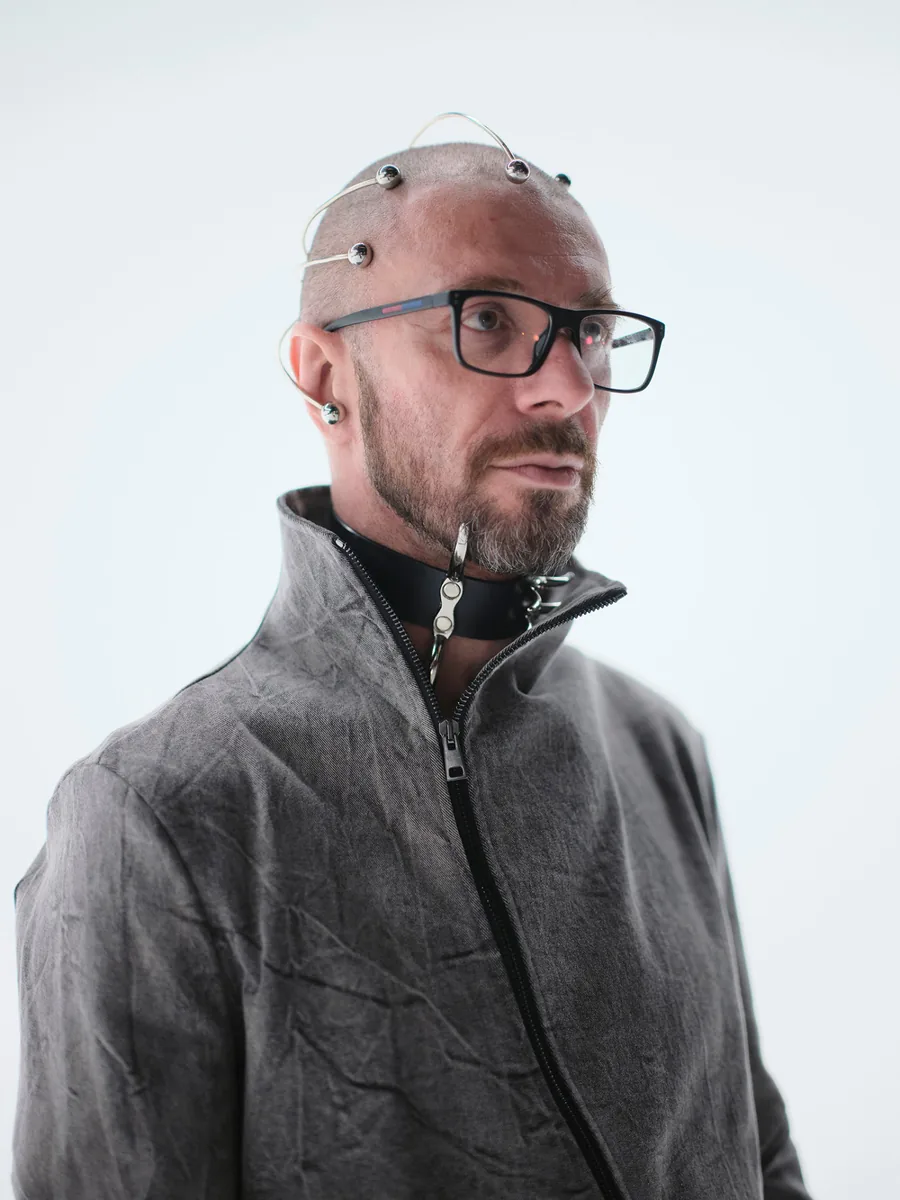
Stanislav Glazov
Media artist, technical director, founder of Hou2Touch
Stanislav started in computer graphics in 1998 with commercials and music videos, and has been teaching since 2001: Maya at RealTime School in Moscow and at SAE Institute in Munich, Houdini at Scream School, CG Event and the British Higher School of Art and Design (2008–2012). In 2009 he launched his own Houdini school, houdini-howto.com, and in 2014 he began teaching TouchDesigner. He was a character and VFX technical director on animated features at Caligari Film, Trixter and Scanline, working on rigging, cloth and hair pipelines, simulation and Maya API development. In 2010 he built the Houdini infographics pipeline for Kommersant TV, then moved into real-time visuals: video mapping at SILA SVETA and Visuals.108 (2011–2013) and, from 2013 to 2019, his own studio Licht.Pfad. He made the first Hou2Touch course in 2020 and built the school as a team in 2022. More than 2,000 people have studied with him.
Shown at: Berlin Atonal · Ars Electronica · Mutek Montreal · Barbican · Berghain · Fête des Lumières Lyon · Unsound · Sonar Istanbul · L.E.V.
Worked with: Maxim Didenko · Berlin Ballet Company · Dasha Rush · Robert Lippok · Whitevoid
Companies and clients: Scanline · Trixter · SILA SVETA · Hyundai
Taught at: SAE Institute · Scream School · British Higher School of Art and Design · LPM Rome
Selected projects
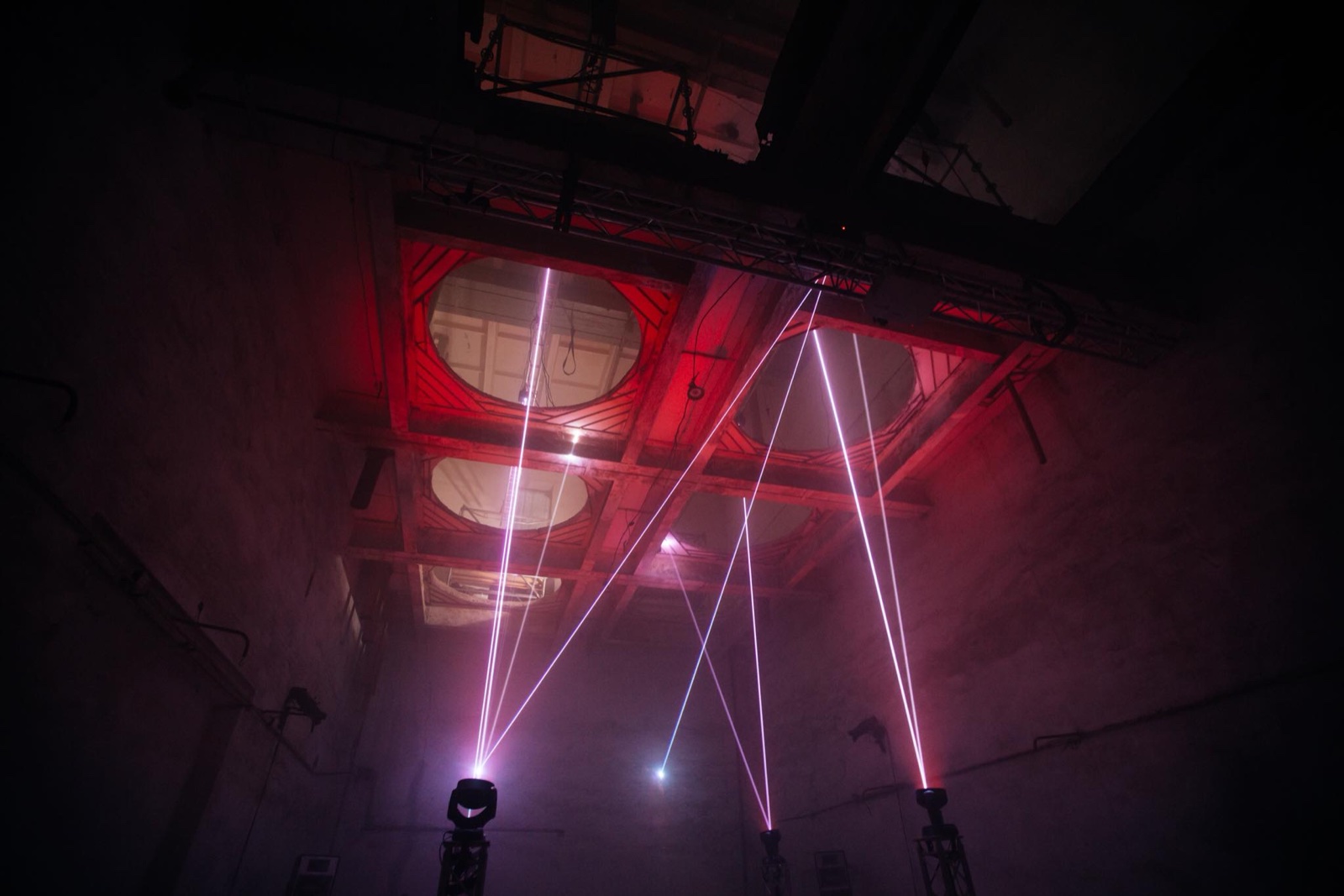
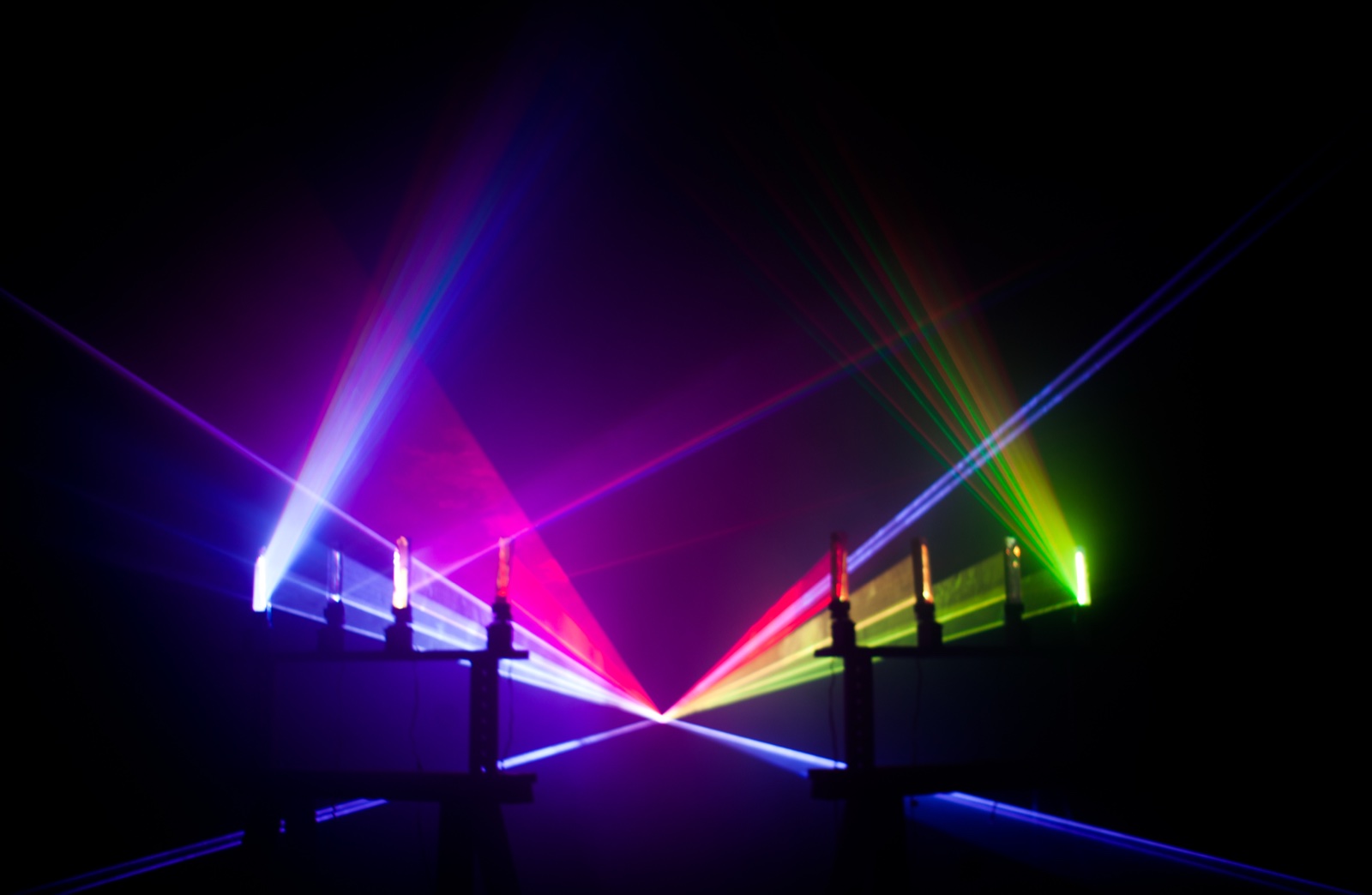
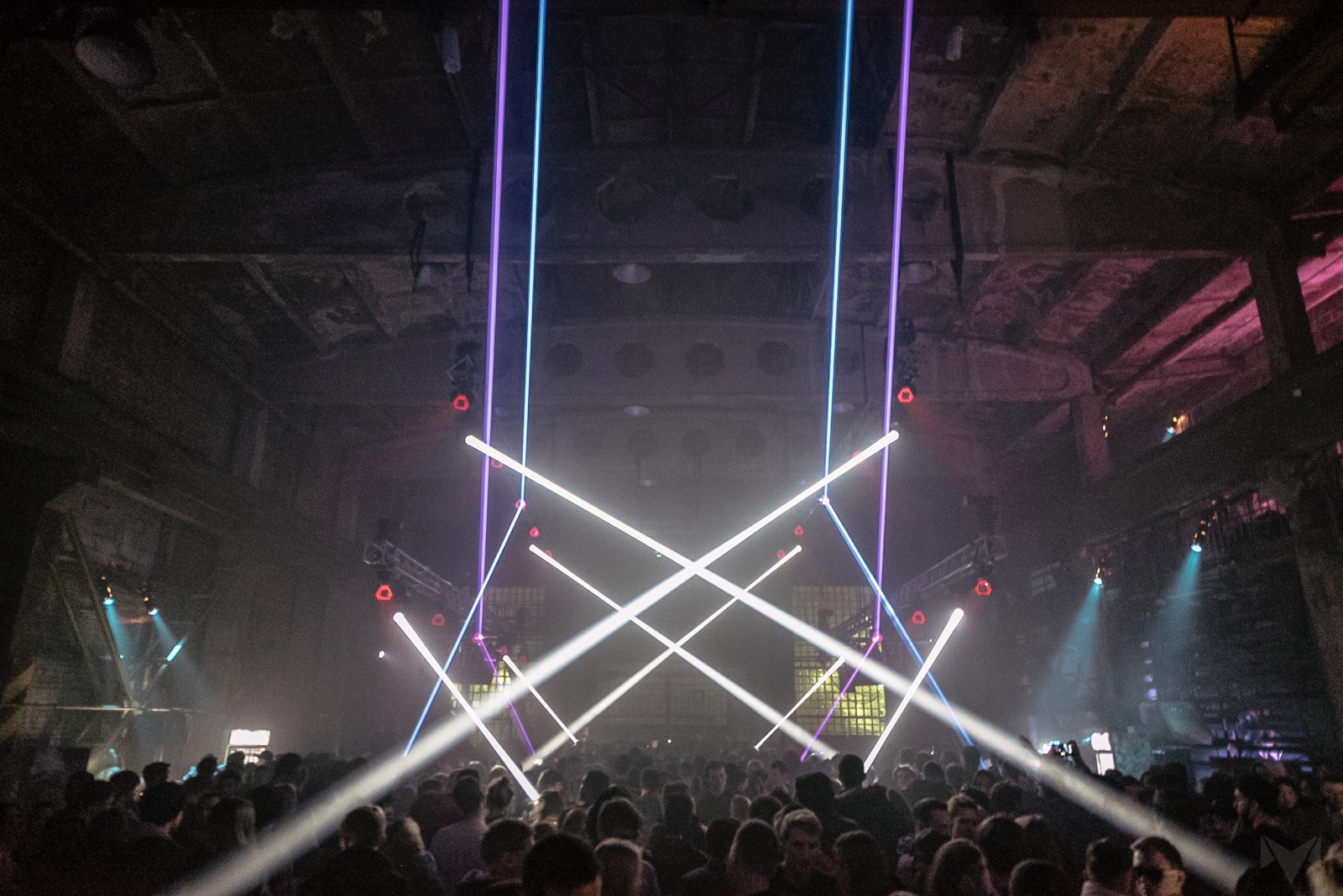
selected festivals & venues
The courses were detailed and provided some excellent examples and techniques that are difficult to find examples of elsewhere. You are definitely a world leading expert in TD.
The courses are great and are the best TD course's I've ever found. The use of a univeristy lesson plan approach coud help the structure of the courses (i.e. defined learning outcomes, overview of example aims, slightly more defined goals etc). I'm happy to help with some of the video production (i.e. RX7) or academic pedagogic approaches (i.e. learning outcome authorship) if needed. I have over 20 years of experience in the music industry and lecturing degree content, having designed 6 undergraduate and two postgraduate degree courses. I'm often in Berlin if you wan to chat!
You have always been very informative and have approached topics in a way that even most novice TD/Shader coders can get value from.
deep in researching and excellent approaches from point of view of proceduralism
all the topics are super, i cover by long my expectatives even push me to learn and achieve new objetives
Deep know how
Light & Laser
- Access to all video recordings for 730 days
- The project files used in the lessons
Learning Paths & Courses
Related courses and learning paths in the Hou2Touch curriculum.
- extreme101beginner
TouchDesigner 101 Extreme I
Learn TouchDesigner from scratch: compositing, feedback, sound-reactive visuals, a custom movie player, machine sync and basic 3D scenes.
12 h video · €255
- extreme102intermediate
TouchDesigner · Ableton Live +1 102 Extreme II
Learn TouchDesigner procedural geometry: procedural SOP modelling, GPU instancing, real-time rendering, and Kinect, physics and Ableton integration.
11 h video · €380
- lights204dmx & lasers
Capture · Depence +4 204 Real Lights
42 h video · €1,590
- glsl301advanced
TouchDesigner 301 2D GLSL
Write GLSL fragment shaders in TouchDesigner for procedural patterns, colour correction, stylised effects, feedback and Shadertoy ports.
6.9 h video · €380
hou2touch 2025 (c)
go up ^ License Agreement go up ^ License Agreement RU Privacy Policy