
SPECIAL OFFER:
TOUCHDESIGNER EXTREME BUNDLE
If you're interested in joining the Real Lights Extended course but feel unsure about your current TouchDesigner skills, we've got you covered with a special self-study bundle:
500€
This special offer is designed specifically to help you confidently enter the Real Lights Extended course fully prepared
What's included
TouchDesigner 101
Introduction to node-based workflows, UI, and data flow.
Generative art and sound-reactive animation.
Modular architecture basics.
Animation data exploration and offline rendering.
Duration: 6 weeks (6.5 hours of video content)
TouchDesigner 102
Deeper exploration into procedural 3D rendering and geometry.
Interactive user interface creation.
Advanced generative visuals and scene composition.
Comprehensive understanding of procedural geometry creation.
Ability to render and compose complex 3D scenes.
Mastery of building interactive, real-time user interfaces.
Duration: 6 weeks
ABOUT THE OFFER
A fully self-paced learning experience combining our two popular TouchDesigner courses into one complete package. This bundle equips you with all the necessary foundational and intermediate skills in TouchDesigner, from generative visuals and audio-reactive animations to procedural 3D rendering and interactive interfaces.
TouchDesigner 101
Intensive introductory Course with extremely fast diving into concept of TouchDesigner and oriented for practical results.
TouchDesigner 102
Intensive Course with extremely fast diving into concept of TouchDesigner and oriented for practical results.
courseS format & materials
The course is completely prerecorded and includes 14 hours of video recordings
TouchDesigner projects available to download
Each lesson contains several videos, detailing the theme.
500€
FEAtures of the courses
- You will learn not just to work in the program, but also gain a comprehensive understanding of TouchDesigner.
- You will understand the place of TouchDesigner in the Media Art Industry.
- You will delve into how to create music with audio-reactive animations.
- The course is more oriented towards real-time performance, showcasing the advantages of real-time graphics.
- Stanislav dynamically alternates between theory and practice.
- The course is not just a reference material. It contains deep analysis of concepts that are not covered in the documentation.
- The author is practicing successful artist and has 20 years of industry experience and is constantly evolving.
- Even if you are an experienced artist, you will find much new and deep material.
TEACHER
We are a team of practising media artists. Besides ample technical expertise, each of us has an individual style and a unique vision to share with you.
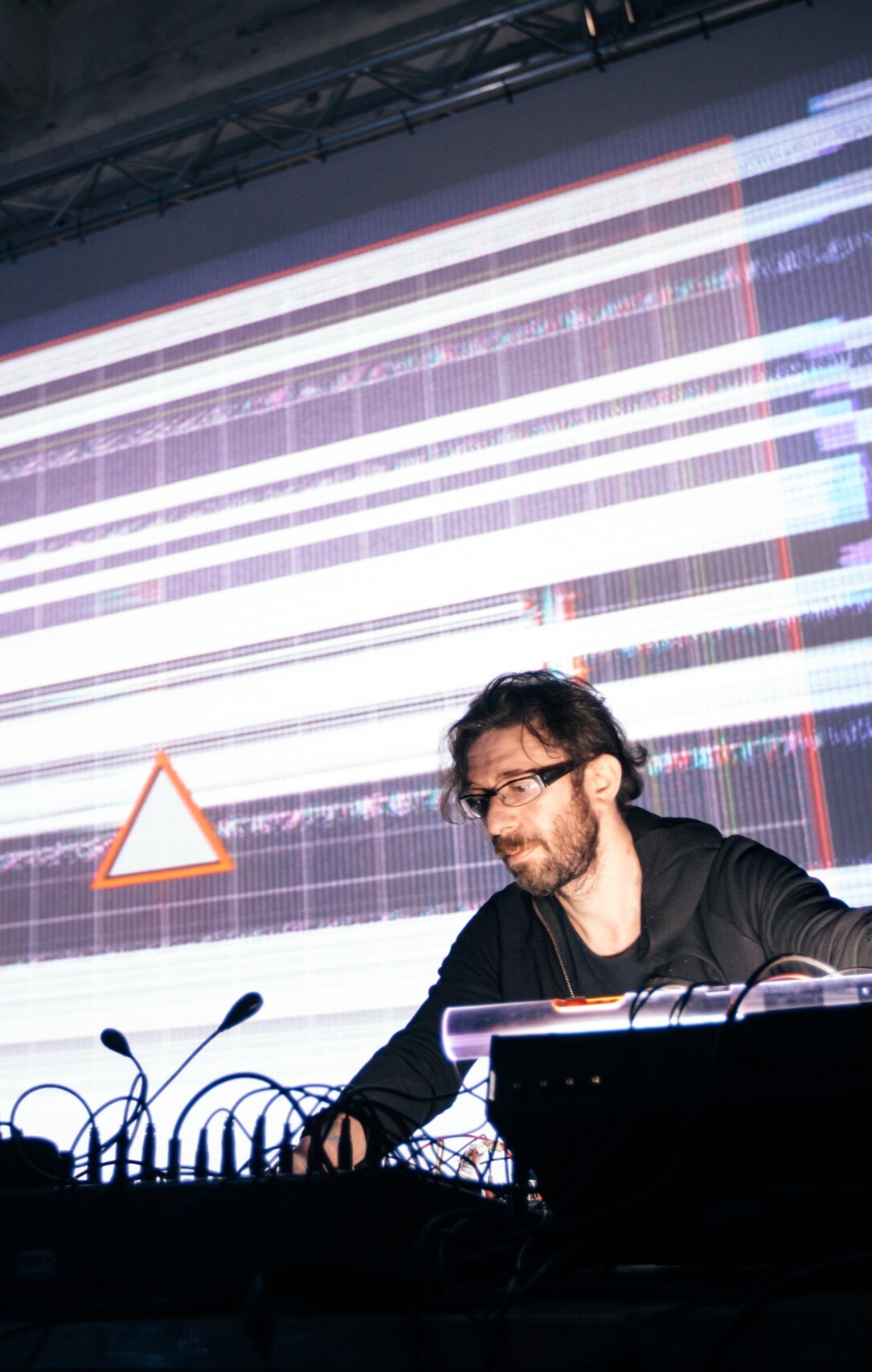
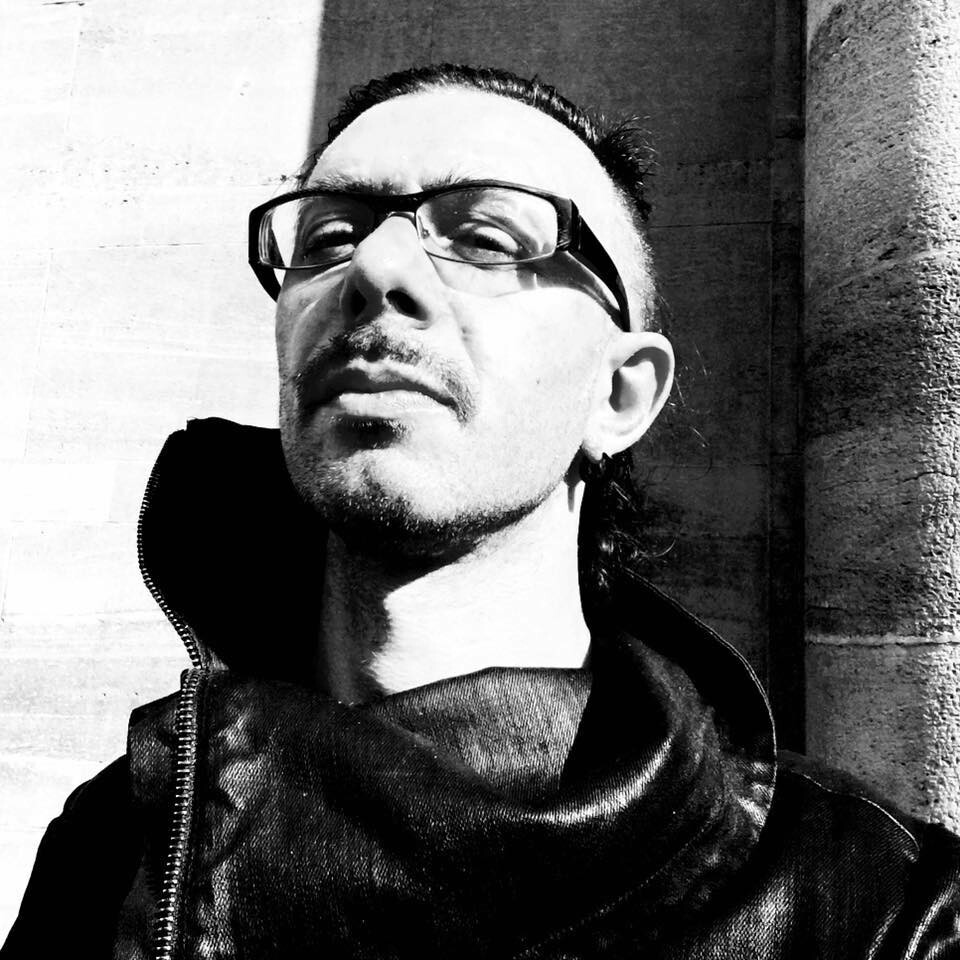
STANISLAV GLAZOV
MEDIA ARTIST, EDUCATOR, COURSE AUTHOR


3D AND AUDIOVISUAL ARTIST WITH OVER 22 YEARS OF EXPERIENCE IN COMPUTER GRAPHICS AND 20 YEARS OF TEACHING EXPERIENCE
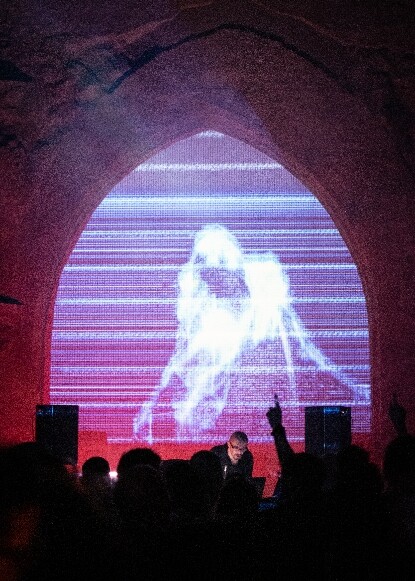
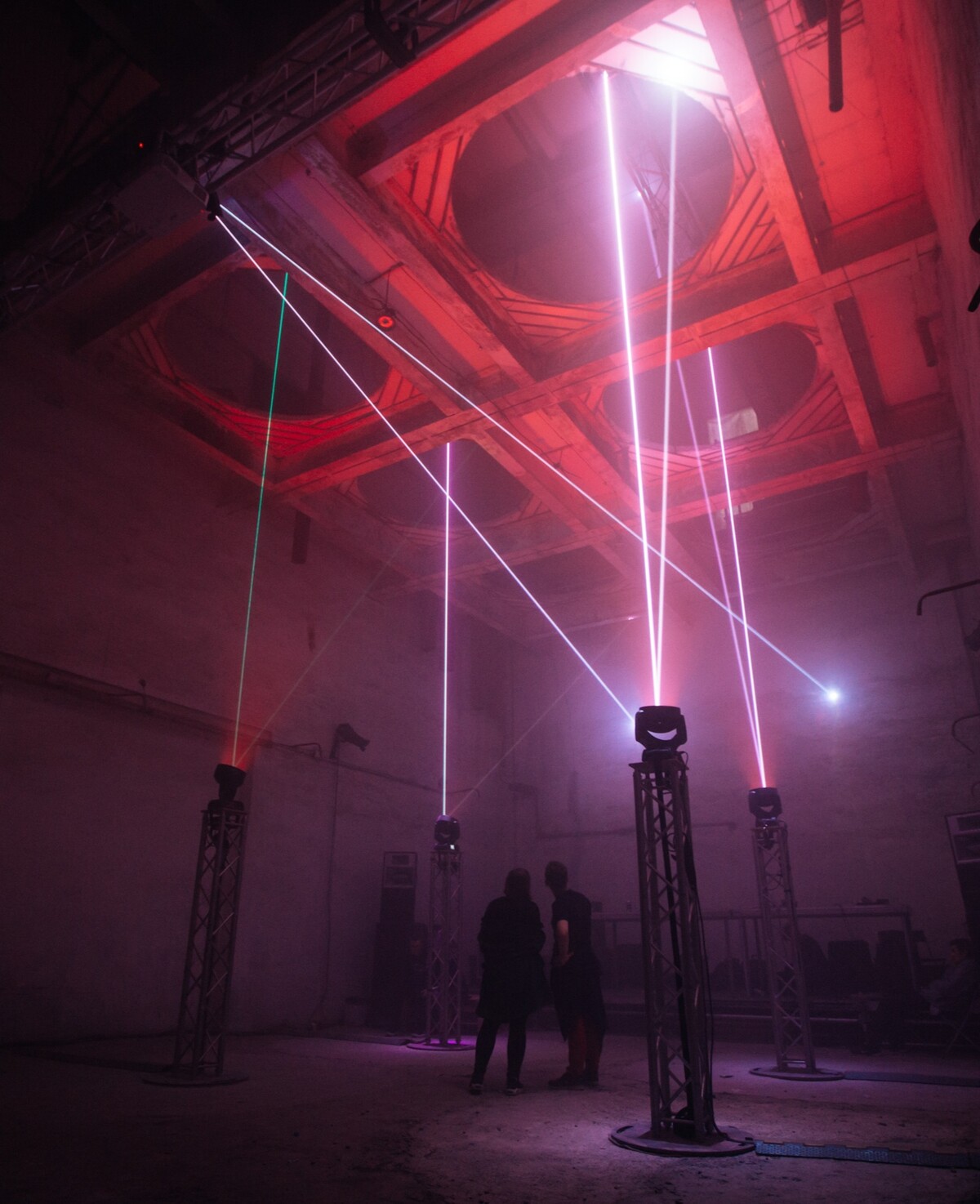
For more than 20 years, he has worked in light and visual art, seeking innovative opportunities where art and technology intersect. His installations and AV performances explore themes such as inner and social freedom, consciousness, identity, and loneliness in the modern world, using high-tech techniques.
Driven by his desire to create unforgettable experiences that inspire, he takes an individualized approach to each work, creating unique algorithms and synchronizing sound with visuals and digital shapes. He is also known for producing music with modular synthesizers and analog devices, influenced by industrial music, which combines noise, disharmony, and shamanism to take listeners on an intense emotional journey.
In 2013, he created his own generative design studio Licht.Pfad.
Creation of AV Performances in partnership with Dasha Rush, Robert Lippok
Performances at all the iconic festivals of the planet: Berlin Atonal, Mutek Montreal, Ars Electronica Linz, Unsound Festival in Krakow, Raster-Noton night in Berghain, Barbican London, Resonance Festival in Tokyo, Mira Festival Barcelona, L.E.V. Festival, Light Festival Lyon
Since 2016 - working on theater projects with Maxim Didenko, including the creation of media servers for various performances

syllabus
Detailed course program
outcomes from the course
Gain a comprehensive understanding of TouchDesigner and its node-based workflow
Confidently navigate and work within the TouchDesigner environment.
Understand the inner logic of TouchDesigner and its modular architecture
Model and Render procedural 3D geometries
Work with Kinect Data
Make basic interactive setups using Renderpick and UI
Combine different media elements, such as video, audio, 3D graphics, and real-time data
Create various types of animations and custom media players
Enhance your creative projects and gain a competitive edge in the media industry
Why more than 300 artists chose TOUCHDESIGNER EXTREME The course is not a bunch of Youtube tutorials, rather it’s a holistic ground for your growth in the generative art
  inner logic of TouchDesigner and its modular architecture explained
  balanced mix of academic concepts and practical examples throughout the course
  course based on 15 years of experience teaching procedural paradigm
taught to more than 300 artists and designers
course based on 15 years of experience teaching procedural paradigm
taught to more than 300 artists and designers
500€
Got any questions left? We are happy to help!
hou2touch 2025 (c)
go up ^ License Agreement go up ^ License Agreement RU Privacy Policy