
Hou2Touch 1: Foundations
Two programs, two worlds of nodes, and I've never programmed
You're starting from zero in both Houdini and TouchDesigner, and it looks too technical. Each has its own world of nodes, and it's unclear how they connect into one way of working.
- Structure:
- 3 modules, 10 lessons
- Video:
- 98 videos, 37 h in total
- Pace:
- Weekly · all on request
- Access:
- 2 years
- Assignments:
- in most lessons
- Language:
- English
- Level:
- Beginner
About the course
Aboutthecourse
- 01
the starting point
This beginner Hou2Touch level develops practical skills across the Houdini and TouchDesigner interfaces through hands-on procedural visual-programming work. Students build reusable, parameter-driven visual systems; manage and sequence media with playlists, timers and introductory Python; and create composited, animated, and interactive outputs, including camera animation.
- 02
what you build
A foundational 3D strand introduces geometry structure and attributes, using Houdini geometry to support procedural transformations, deformations, and orientation. It then takes a modelled scene through UVs, cameras, lights and materials to a real-time render.
Courseaims
- 01
To provide an understanding of how Houdini and TouchDesigner work with nodes, parameters, signals and geometry data, and how a project moves between the two programs.
- 02
To develop practical skills in building, animating, compositing and rendering real-time visual projects in TouchDesigner, and in preparing geometry and scenes for them in Houdini.
- 03
To develop practical skills in building media-playback systems with playlists, timers and a user interface, and in automating project behaviour with Python in TouchDesigner.
- Course Introduction · 3 h 25 min
- UI Introduction. Basic 3D Scene · 2 h 40 min
- Compositing · 3 h 56 min
- Animation and CHOPs · 3 h 20 min
- Content & Time Management. Advanced animation · 3 h 17 min
- Python in TouchDesigner · 3 h 36 min
- Building a Movie Bin in TouchDesigner · 4 h 51 min
- SOP Intro. Geometry in Houdini and TouchDesigner · 3 h 46 min
- Geometry Attributes and Procedural Modeling in Houdini and TouchDesigner · 3 h 53 min
- Direct Modeling and Rendering · 3 h 52 min
Who this course is for
For you if
- AV artists and musicians — You want sound and picture to move together: here you drive both programs from signals made of sound and time, with expressions and keyframes on top.
- Installation artists — You build pieces that must be adjusted, not remade: here you make parameter-driven systems and let Python automate their behaviour.
- 3D Artists — You work in 3D: here you read geometry as attributes and groups, then take a modelled scene through UVs, lights and physically based materials to a real-time render.
- Motion Designers — You make composited, animated frames: here you layer images and render passes, create generative textures and animate cameras along paths and hierarchies.
- VJs — You run media live: here you build a playback system with playlists, timers and a user interface, controlled from the mouse.
Not for you if
- –you do not meet the requirements in “Before you start”
- –you already know the Beginner material → take Hou2Touch 2: Procedural 3D & Simulation
Before you start
No prior TouchDesigner or Houdini experience is required; general computer literacy and a machine able to run TouchDesigner and Houdini.
Prerequisites: none
What you will be able to do
- 01Explain the node-based approach and navigate the Houdini and TouchDesigner interfaces to build and connect networks
- 02Composite layered images and render passes and make generative textures in TouchDesigner and Houdini
- 03Animate and control parameters with signals from sound, time and mouse input, expressions and keyframes in TouchDesigner and Houdini
- 04Build media-playback systems with playlists, timers and a user interface in TouchDesigner.
- 05Automate project behaviour with Python scripting in TouchDesigner.
- 06Use geometry attributes and groups to select, modify and orient geometry procedurally in Houdini and TouchDesigner
- 07Export geometry and animation from Houdini and render them in real time in TouchDesigner with materials and cameras.
- 08Animate cameras with hierarchies, paths and procedural rules in TouchDesigner and Houdini
- 09Model, UV-map, light and render an object with physically based materials in TouchDesigner, and render a scene with Solaris and Karma in Houdini
Programme
01Hou2Touch 1: Foundations
Basics · 10 videos · 3 h 25 min 7 videos · 2 h 40 min 13 videos · 3 h 56 min 9 videos · 3 h 20 min 11 videos · 3 h 17 min
Lesson 1. Course Introduction
This module introduces the course: the professions of computer graphics, where Houdini and TouchDesigner come from, and the shared ideas of nodes, data and parameters behind both programs. It follows two small examples, a circle whose size follows the mouse in TouchDesigner and procedural geometry in Houdini, including a gear that is sent to TouchDesigner.
- To provide an understanding of how Houdini and TouchDesigner work: how data moves through nodes and parameters, and which programming languages each program uses.
- To develop practical skills in turning a precisely defined task into a node network, such as a circle controlled by the mouse in TouchDesigner or a gear built from rules in Houdini.
Lesson 2. UI Introduction. Basic 3D Scene
This module gives an introduction to node based workflow and user interface of Houdini and TouchDesigner, and follows one simple 3D scene from Houdini into TouchDesigner: it is built and rendered in Houdini, moved across as geometry, a file sequence or a scene file, and shown on the screens of a performance setup. Project folders and variables keep the work portable between machines.
- To provide the understanding of vocabulary and workflow for successful work in node based environment of Houdini and TouchDesigner
- To provide an understanding of how a 3D scene moves between Houdini and TouchDesigner and how a project is organised and sent to screens.
Lesson 3. Compositing
This module takes a rendered 3D scene to a finished picture: an introduction to compositing in Houdini is followed by real-time compositing in TouchDesigner, where renders are split into layers, colour-corrected, keyed and recombined. The scene backdrop gets an animated generative texture, and feedback loops turn the image into moving visuals.
- To provide an understanding of how a rendered image is split into layers and recombined, and how noise makes generative textures in Houdini and TouchDesigner.
- To develop practical skills in compositing, colour correction and keying, and in making generative textures and feedback effects in TouchDesigner and Houdini.
Lesson 4. Animation and CHOPs
Building a movie player and a sound-reactive image, this lesson shows how signals from sound, the mouse input or the timeline drive operators parameters instead of hand-set values. The same ideas are then rebuilt with keyframes and procedural methods in TouchDesigner and Houdini.
- To provide an understanding of how signals such as sound, time and mouse movement control animation in TouchDesigner and Houdini.
- To develop practical skills in building a movie player, sound-reactive animation and keyframed animation in TouchDesigner and Houdini.
Lesson 5. Content & Time Management. Advanced animation
Controlling time and the camera, this lesson runs a movie with fades, blur and an animated title from one timing table, and plays a whole folder of movies as an automatic playlist. The same ideas of hierarchy, paths and parameter-defined curves then move a camera and shape animation in TouchDesigner and Houdini.
- To provide an understanding of how timing tables, parent hierarchies, paths and animation curves control movies and cameras in TouchDesigner and Houdini.
- To develop practical skills in building timed movie playback, camera paths and camera rigs, and parametric animation in TouchDesigner and Houdini.
Content Management & DATs · 11 videos · 3 h 36 min 12 videos · 4 h 51 min
Lesson 6. Python in TouchDesigner
This module introduces Python in TouchDesigner: where it is used, how the object model is organised, the basic syntax and how to read CHOP and DAT data. Students then make a project react to events with the Execute operators, from controlling parameters and saving animated geometry to a custom operator that cues content by frame.
- To provide an understanding of how Python works in TouchDesigner: its object model, basic syntax and event-driven scripting, also how to deal with CHOP and DAT objects
- To develop practical skills in reading project data with Python and in writing scripts that control parameters, save animated geometry and generate control channels.
Lesson 7. Building a Movie Bin in TouchDesigner
Building a Movie Bin in TouchDesigner, this lesson uses short Python scripts to play a folder of movies as an automatic playlist with blends, a control panel and recording, or to cue clips from a video-editor cut list and from MIDI notes of Ableton Live. It opens with an introduction to Python and GLSL and ends with a mouse-drawing recorder.
- To provide an understanding of how a movie playlist is driven by data, timers and short scripts in TouchDesigner.
- To develop practical skills in building an automatic movie playlist with blends, a control panel and recording, driven by a folder of movies, an editor cut list or MIDI notes from Ableton Live.
Geometry Concept · 6 videos · 3 h 46 min 9 videos · 3 h 53 min 10 videos · 3 h 52 min
Lesson 8. SOP Intro. Geometry in Houdini and TouchDesigner
This module introduces geometry in TouchDesigner and Houdini: how a shape is stored as points, vertices and primitives with attributes, and how to change or select any part of it by a rule instead of by hand. The lesson closes with a comparison of geometry types and of how packed geometry keeps heavy scenes fast.
- To provide an understanding of how geometry is built from points, vertices and primitives, and how attributes and groups describe it in TouchDesigner and Houdini.
- To develop practical skills in changing geometry per altering point attributes and in selecting parts of it by a rule in TouchDesigner and Houdini.
Lesson 9. Geometry Attributes and Procedural Modeling in Houdini and TouchDesigner
This module follows one idea in Houdini and TouchDesigner: values stored on points and polygons, called attributes, control the shape of geometry. Students use attributes to make procedural forms in Houdini, from a river landscape to one smooth mesh of tubes, and then pass the same data between geometry, channels and images in TouchDesigner.
- To provide an understanding of how values attached to points and polygons control the shape of geometry in Houdini and TouchDesigner.
- To develop practical skills in making procedural forms in Houdini, such as a river landscape or a smooth organic mesh, and in orienting and transforming geometry from attribute data in TouchDesigner.
Lesson 10. Direct Modeling and Rendering
Starting with how a 3D scene becomes pixels in Houdini and TouchDesigner, this module follows one vase in TouchDesigner from a hand-drawn profile through UVs, camera, lights and physically based materials to a real-time render with depth effects. It then repeats the path from scene to picture in Houdini with Solaris and the Karma renderer.
- To provide an understanding of how a 3D scene is turned into an rendered image, from coordinate spaces and shading models to cameras, lights and materials in Houdini and TouchDesigner.
- To develop practical skills in modeling, texturing, lighting and rendering a simple object in TouchDesigner and in assembling and rendering a scene in Houdini.
After this course
Bundles and learning paths with this course
How the course works
The course is recorded and you take it at your own pace.
Lessons open once a week on your own schedule, counted from the day you get access: it keeps a steady rhythm and does not overload you. If you want the whole course at once, write to us and we open full access.
Most lessons end with an assignment you complete on your own. Assignments are for your own practice; at the moment we don't review them. By the end of the course they add up to a set of your own works that show the techniques you have learned.
98 videos, 37 h in total
3 modules, 10 lessons
Weekly · all on request
Price and what's included
01 Foundations
- Access to all video recordings for 730 days
- The project files used in the lessons
- Access to the students' chat in Telegram
What you get
- Access to all video recordings for 730 days
- The project files used in the lessons
- Access to the students' chat in Telegram
Payment
The price is final and the same for everyone. It includes German VAT (19%). Buyers outside the EU and EU businesses with a valid VAT ID pay the same price; their invoice shows no VAT (reverse charge).
You can pay by card (Stripe), PayPal or bank transfer.
FAQ
01Can I pay in instalments?
Yes, in two parts: €1,280 now and the rest within 60 days.
02How long will I have access to the lessons?
730 days. If you need more time, write to us and we extend it.
03Why pay for the course if there are free tutorials on YouTube?
YouTube tutorials are made to teach one specific technique, usually without a system or a methodology. We teach you to understand systematically how the logic of node architecture works, with a balance between a practical and an academic approach.
04I work on a Mac. Will the course work for me?
Yes. More on requirements — see "What computer and software do I need?".
05What computer and software do I need?
Windows is more efficient for this work; a Mac works too, but with limits from 3D drivers and some Nvidia-only TouchDesigner operators. TouchDesigner 2023 or later: Windows 10/11 or macOS 13+ (Apple Silicon recommended); a GPU with Vulkan 1.1 and at least 4 GB of video memory, 8 GB or more recommended. Houdini 19.5 or later: Houdini 22 needs Windows 11 or a Mac with Apple Silicon (Intel Macs are not supported), 16 GB of RAM and a GPU with 12 GB of video memory or more.
06Is the free version of the software enough?
TouchDesigner Non-Commercial is enough. Houdini Apprentice formally covers most of the course, but to work efficiently you need a Houdini Education licence for students ($95 a year) or Houdini Indie ($299 for one year, $449 for two).
07Is there code in the course?
Yes, gently: this is not a programming course, but Python is a working tool in TouchDesigner, and Level 1 teaches it from zero. Lesson 6 is a dedicated Python lesson (3.6 h); the movie-player lessons use short scripts — about 7 h of 36.6 h in total, mostly adapting ready-made code. The level opens with a lecture on programming concepts for those who are wary of code.
08Are there assignments, and who checks them?
Most lessons end with an assignment you complete on your own. Assignments are for your own practice; at the moment we don't review them.
09Do you issue a certificate?
We don't issue certificates. What you take away is experience and the project files, and if you do all the assignments, a portfolio of your own works.
10Can I get an invoice for my employer or company?
Yes, we issue invoices to companies. Write to us before you pay.
11Are there subtitles?
Yes, every lesson has subtitles.
12How much time will the course take?
About 93–111 hours including practice: the course has 37 h of video, and each hour of video takes 2.5–3 hours to watch, rewatch and do the assignments.
13Can I start from zero?
Yes: Level 1 starts from zero in both TouchDesigner and Houdini.
14Are project files included?
Yes, every course comes with its project files.
Didn't find your answer, or not sure the course fits you?
Telegram: https://t.me/prcdrl or write to support in your GetCourse account.
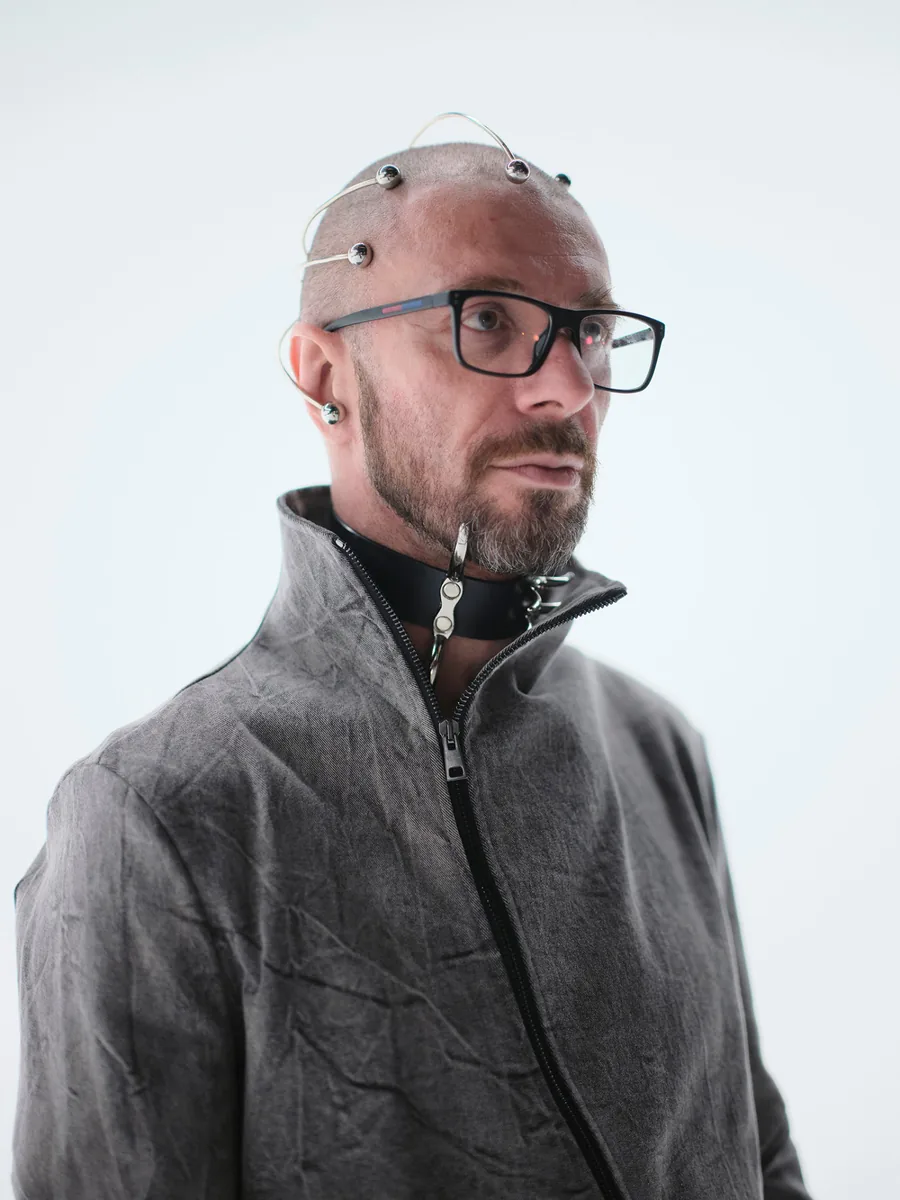
Stanislav Glazov
Media artist, technical director, founder of Hou2Touch
Stanislav started in computer graphics in 1998 with commercials and music videos, and has been teaching since 2001: Maya at RealTime School in Moscow and at SAE Institute in Munich, Houdini at Scream School, CG Event and the British Higher School of Art and Design (2008–2012). In 2009 he launched his own Houdini school, houdini-howto.com, and in 2014 he began teaching TouchDesigner. He was a character and VFX technical director on animated features at Caligari Film, Trixter and Scanline, working on rigging, cloth and hair pipelines, simulation and Maya API development. In 2010 he built the Houdini infographics pipeline for Kommersant TV, then moved into real-time visuals: video mapping at SILA SVETA and Visuals.108 (2011–2013) and, from 2013 to 2019, his own studio Licht.Pfad. He made the first Hou2Touch course in 2020 and built the school as a team in 2022. More than 2,000 people have studied with him.
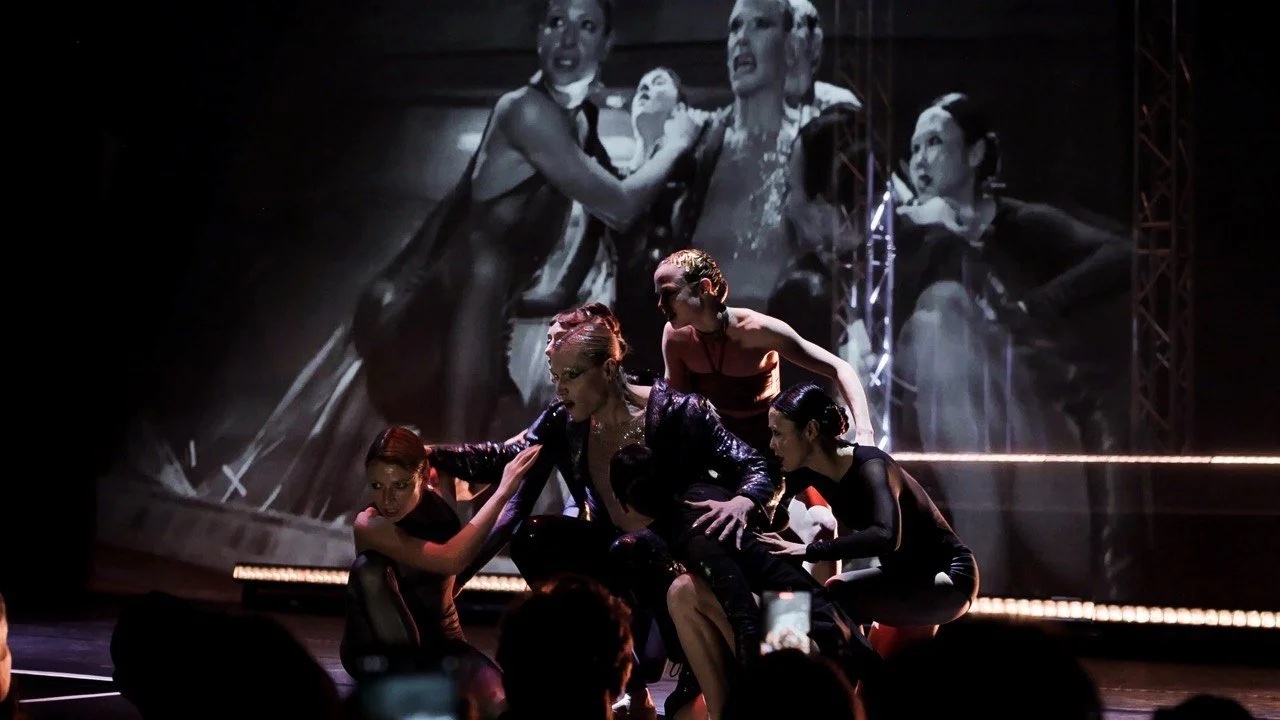
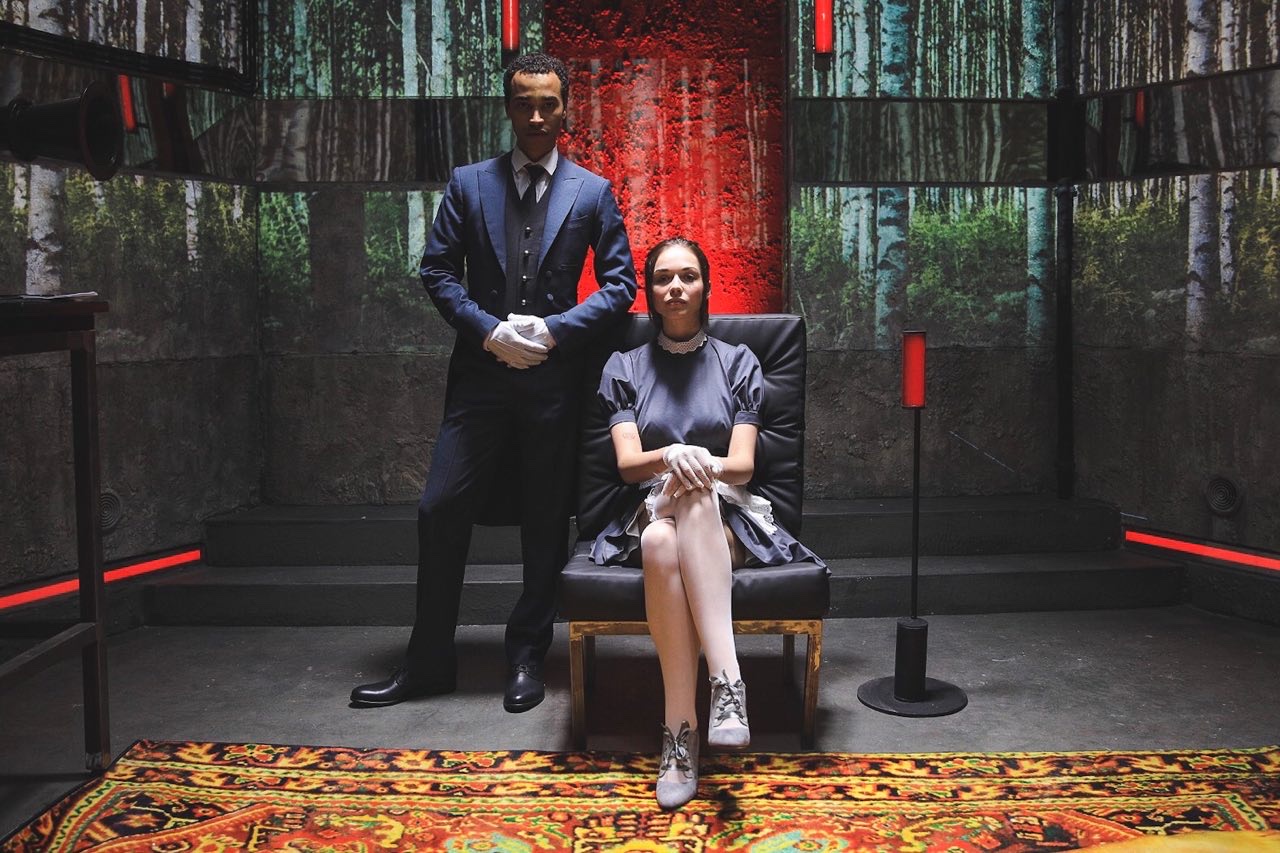
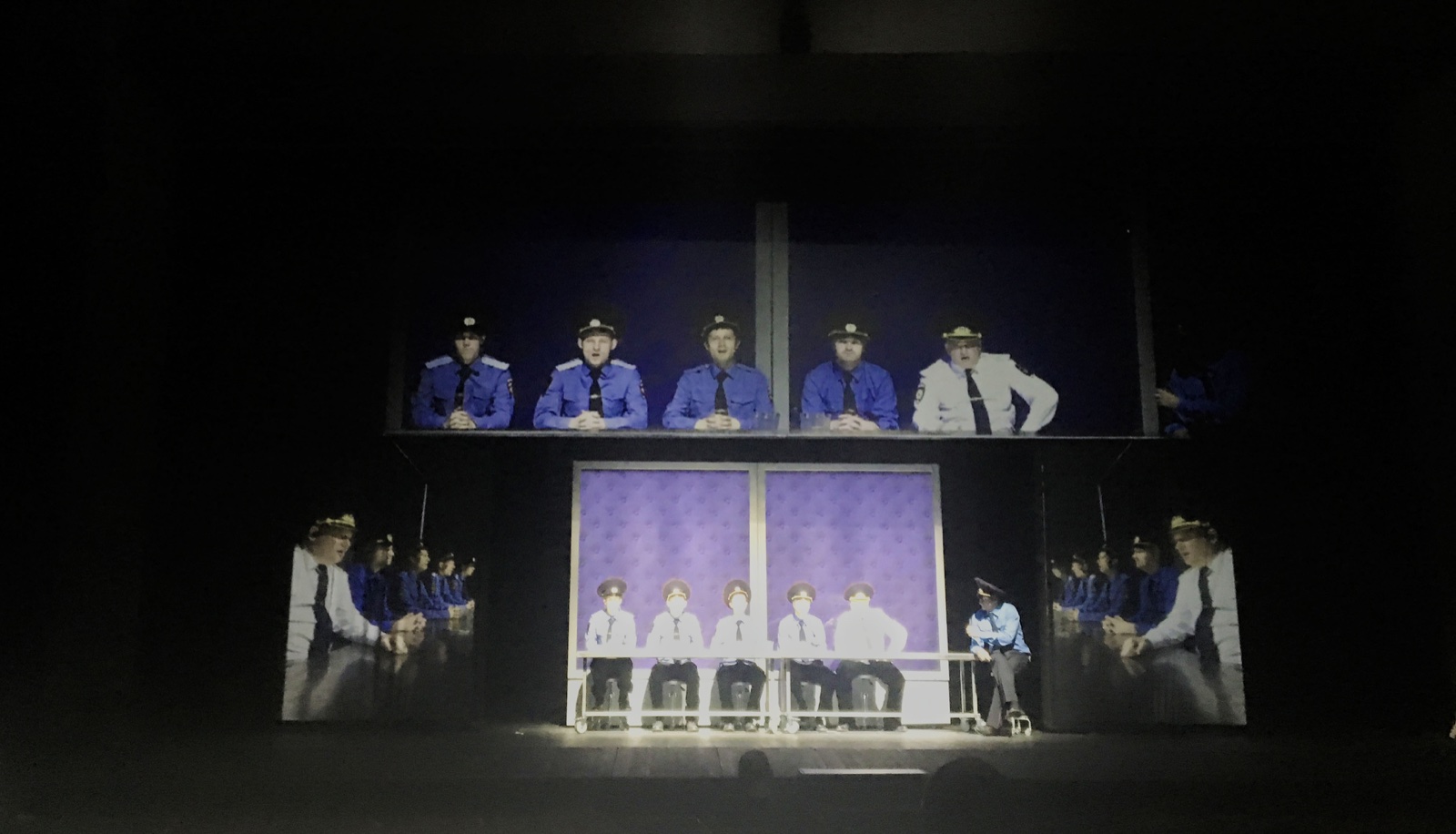
Iterations, a 16K generative AV show (premiere CETA Wrocław 2015; Alexandrinsky Theatre 2019).
Large-format installations: the Iceberg video-mapping installation (2020), the panoramic Junction (2021–2023, shown at Sonar Istanbul 2024).
He uses Python in every project, from media servers to show tools.
Shown at: Berlin Atonal · Ars Electronica · Mutek Montreal · Barbican · Berghain · Fête des Lumières Lyon · Unsound · Sonar Istanbul · L.E.V.
Worked with: Maxim Didenko · Berlin Ballet Company · Dasha Rush · Robert Lippok · Whitevoid
Companies and clients: Scanline · Trixter · SILA SVETA · Hyundai
Taught at: SAE Institute · Scream School · British Higher School of Art and Design · LPM Rome
Selected projects
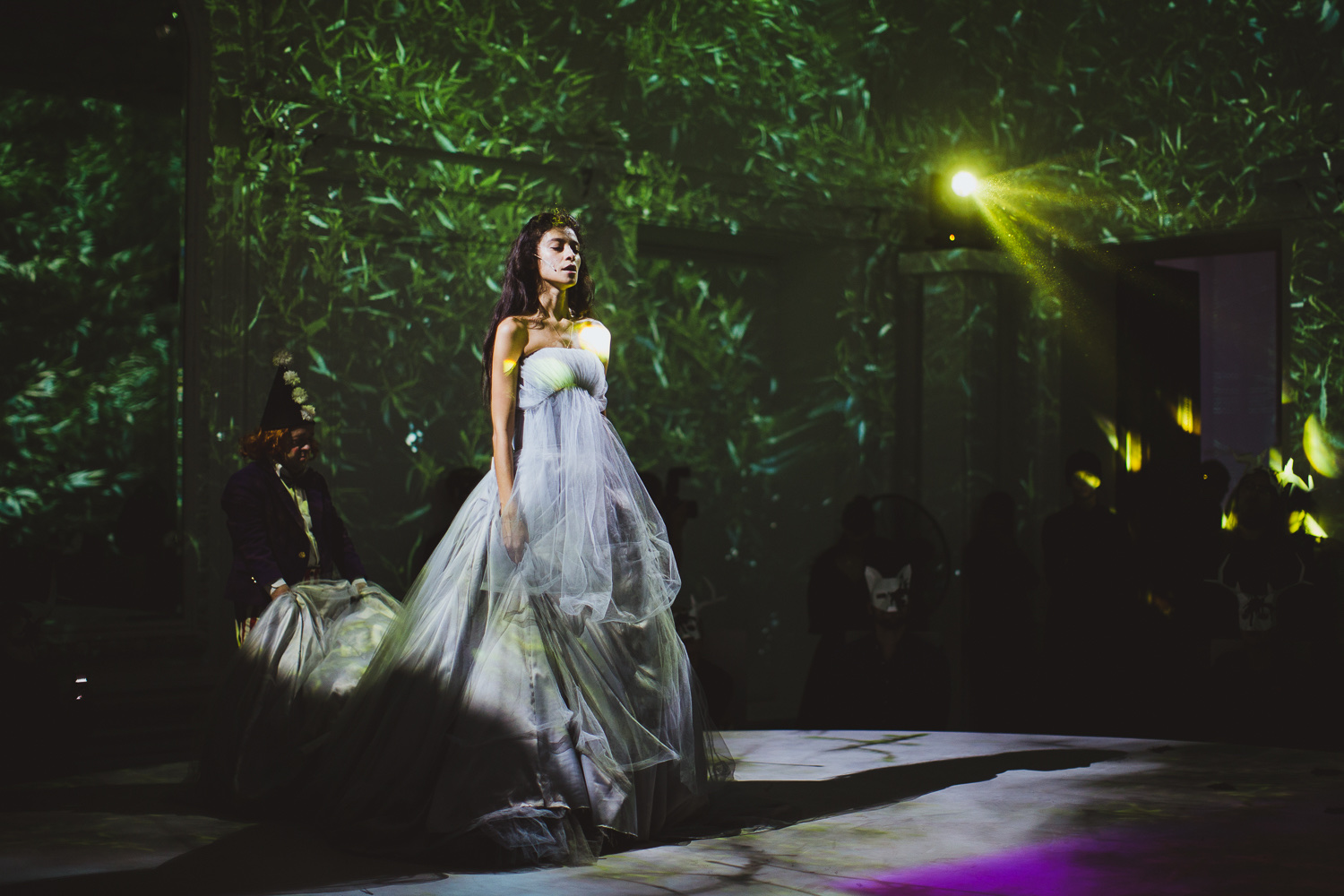
selected festivals & venues
Hou2Touch is an excellent curriculum which has been developed and continues to evolve over time. Stanislav and his team are great at providing guidance and assistance. I have explored TouchDesigner for many years yet Houdini only recently, and learned great new ways to use TouchDesigner with excellent Houdini integrations. What was of interest to me was a guided curriculum that looked deeply into the two programs together. I recommend Hou2Touch to folks who want to learn more about Houdini and TouchDesigner, and how to use them together for amazing results.
I truly appreciate what I am learning through this workshop, it is an edgy topic and it is a pleasure to learn it from a master, not an easy thing to find In standard education (talking from a design student perspective). An interesting thing that I find in this class is its artistic side in almost all of the participants that I had the opportunity to know a little from social medias
There is a very high skill level of knowledge in you’re lesson ... I hope is possible to find a way to use 100% of you’re knowledge during the course ... maybe a real (remote production) project could be interesting also
big thanks you, keep learning recording movie.
I really enjoy your teaching, it’s clear and you lay it all out with good examples. I really prefer to watch live and use the recording to work to as well. Enjoying what I’ve done so far and appreciating you checking in. You obviously want this to work well! Thanks Stan.
The other half - the things that I wrote down in my course notebook - are where the value of the course comes: These are techniques for using these tools, not just how the tools work. An example is using stamping to put the id number on something, then sort to randomize... or using multiple steps of attribute transfer and attribute wrangle to move data along fluidly. This second half is what I'm mostly after. The first half is available - though it takes some digging so it is nice to have it go over, but I think you could spend less time on it.
01 Foundations
- Access to all video recordings for 730 days
- The project files used in the lessons
- Access to the students' chat in Telegram
Learning Paths & Courses
Related courses and learning paths in the Hou2Touch curriculum.
- hou2touch1flagship
TouchDesigner · Houdini +5 Hou2Touch
113 h video · €2,650
- foundations1current
TouchDesigner · Houdini 01 Foundations
Learn Houdini and TouchDesigner from scratch: build procedural visuals, animate, composite, script with Python and render 3D in real time.
37 h video · €1,280
- procedural2intermediate
Houdini · TouchDesigner +2 02 Procedural 3D
Build procedural 3D, renders and simulations in Houdini and carry them into TouchDesigner for real-time visual systems.
35 h video · €1,560
- interactive3advanced
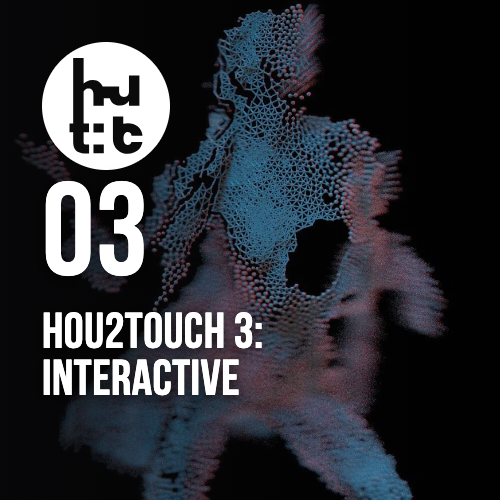
TouchDesigner · Houdini +3 03 Interactive
Build modular interactive TouchDesigner systems with Houdini assets, depth sensors, web-data visuals and sound tied to Ableton and Bitwig.
42 h video · €1,890
hou2touch 2025 (c)
go up ^ License Agreement go up ^ License Agreement RU Privacy Policy